Create an account & sign in
How to sign up for hi-vpn, log in again, sign out, and what to do if you forget your password.
Create your account
Open Log in. The page opens on Sign up. You can continue with Apple or Google, or sign up with your email and a password of at least 8 characters.
hi-vpn.com/login- On Sign up, enter your email and a password.
- Wait for the security check under the password to show a tick. It usually passes on its own.
- Select Create account.
- Open the confirmation email and click the link to finish signing up. The link opens your account page. If you land on the login page instead, choose Log in with the same email and password.
hi-vpn.com/login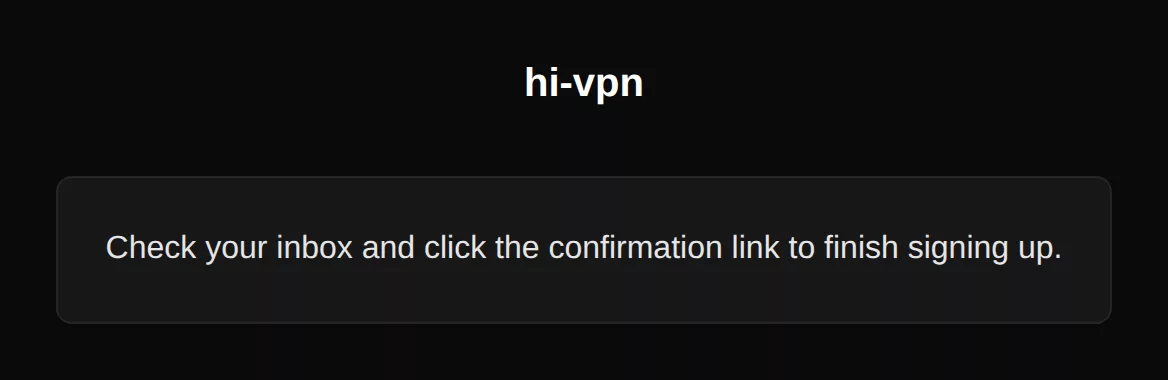
Log in
Open Log in and do one of these:
- Select Continue with Apple or Continue with Google.
- Or choose the Log in tab, enter your email and password, wait for the security check under the password to show a tick, and select Log in.
Either way you land on your account page. If you see You were signed out. Please log in again., your session ended — just log in again.
Pressed Start 7-day free trial before you had an account or were logged in? After you log in or sign up you go straight on to checkout — see Start your free trial.
Sign out
Sign out is at the top right of your account page. It signs you out of the website in this browser only — it doesn’t affect your VPN devices, and other browsers you’re logged in on stay logged in.
Forgot your password?
There is no self-service password reset on the login page yet. Email support@hi-vpn.com from the address you signed up with and we’ll help you.
- If you sign in with Apple or Google, you don’t have a hi-vpn password — use the same button again.
- This is about your account password. If you lost a device password (the one you paste into the VPN client), revoke that device and add it again.
Still stuck?
Email us and include your device and client — never your password. support@hi-vpn.com