Plans, free trial & billing
What the plans cost, how the 7-day free trial works, and how to manage your billing.
Monthly or annual
There is one service, hi-vpn Pro, and two ways to pay for it. Both include up to 5 devices.
| Monthly | Annual | |
|---|---|---|
| Price | $5.99 per month | $59.90 per year — about $4.99 a month, so 2 months free |
| Devices | Up to 5 | Up to 5 |
| 7-day free trial | First subscription only | First subscription only |
On the pricing card, pick Monthly or Annual with the switch above the button. The big price follows your choice.
hi-vpn.com/#pricing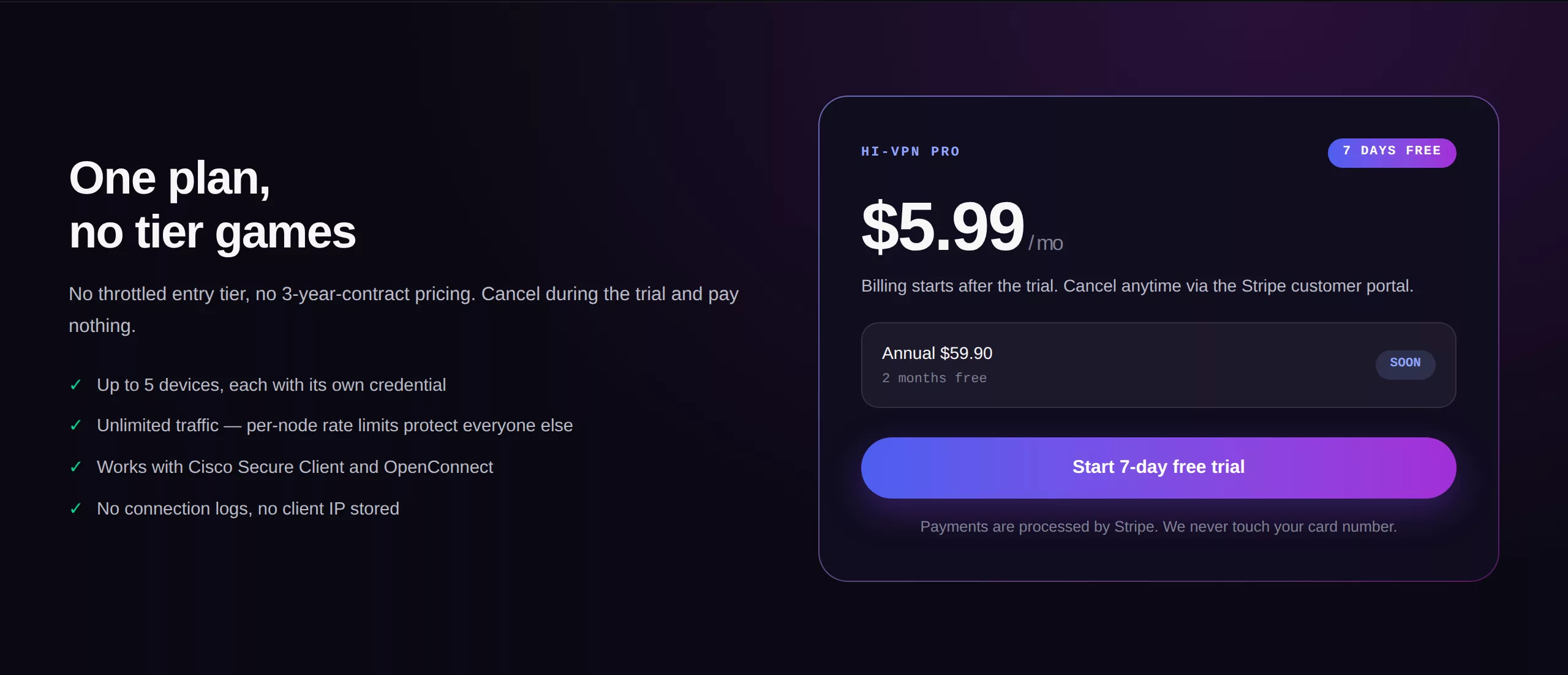
hi-vpn.com/#pricing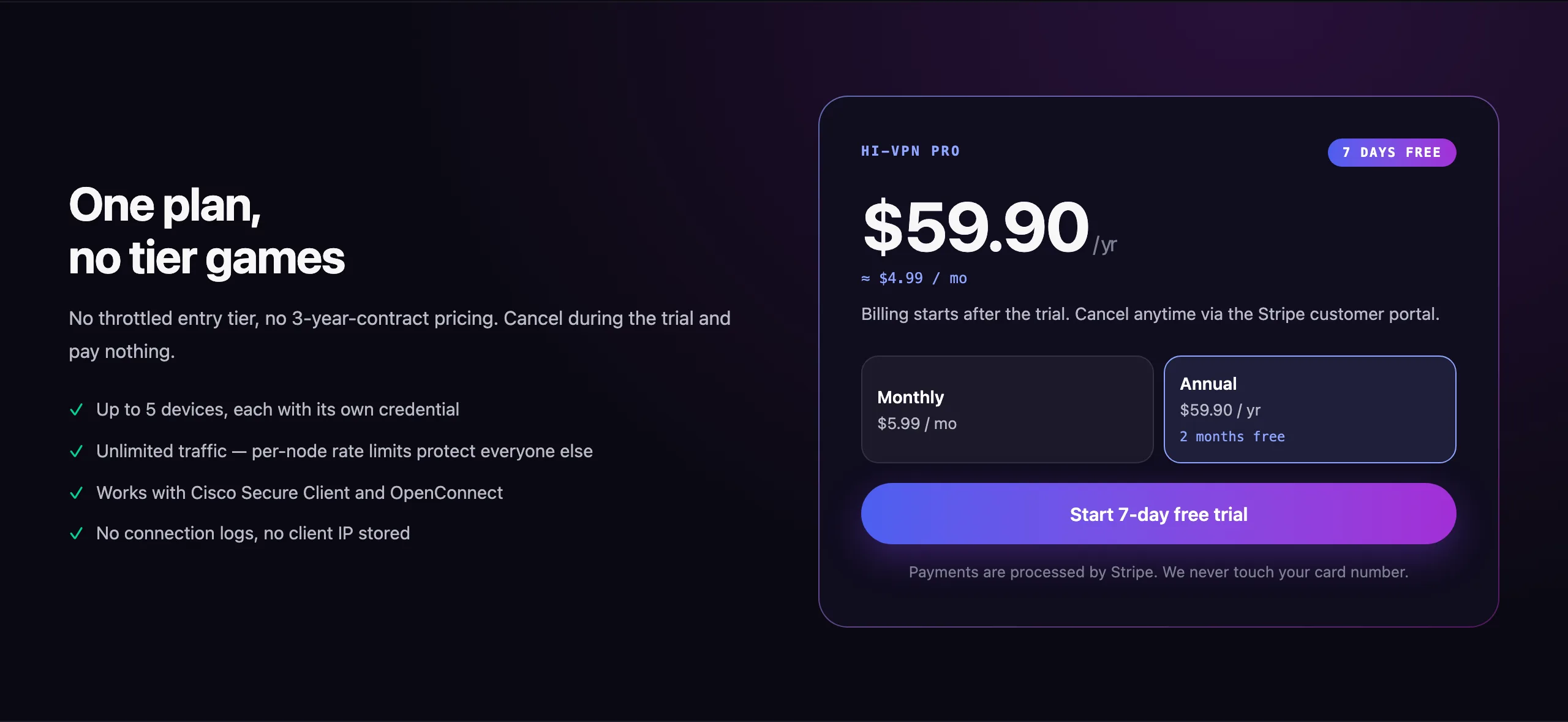
You can change your mind later — see Switch between monthly and annual.
Start your free trial
- Go to Pricing, choose Monthly or Annual, and select Start 7-day free trial.
- You’re taken to Stripe’s secure checkout page. Enter your card. If you have a promotion code, add it here.
- Confirm on Stripe’s page (Start trial). You’re brought back to your account page, now showing Pro.
checkout.stripe.comIllustrationhi-vpn Pro
7 days free
Then $5.99 per month
Add promotion code
Card information
You won't be charged until the trial ends.
Payment set up — returning to hi-vpn…
The animation shows the monthly plan; annual works the same way with $59.90 per year.
A card is needed to start the trial, but nothing is charged for 7 days. If you don’t cancel, the first charge happens when the trial ends:
- Monthly: $5.99, then every month on the same day.
- Annual: $59.90, then every year on the same day.
What your account page shows
Your account page always tells you what happens next:
| Account page shows | What it means |
|---|---|
| Pro · Free trial · first charge on date | You’re in the trial. On that date the first charge is made — $5.99 on monthly, $59.90 on annual. |
| Pro · Renews automatically on date | Subscription is active. On that date the next period is charged — the next month, or the next year. |
| Pro · Canceled · access ends on date | You cancelled. Nothing more will be charged; devices work until that date. |
| Pro · Payment failed — update your payment method to keep your service | The last charge didn’t go through. Devices still work for now — fix your card. |
| Free · Your subscription has ended. Subscribe again | The subscription is over and your devices are removed. See When it ends. |
| Free · No subscription yet. Subscribe to create devices. | You haven’t subscribed yet. |
| Payment received — activating your subscription… | You just paid and we’re waiting for Stripe to confirm. It usually takes seconds; the page keeps checking for up to a minute. |
| This account has been suspended. Contact support@hi-vpn.com. | The account is suspended. Email us. |
hi-vpn.com/account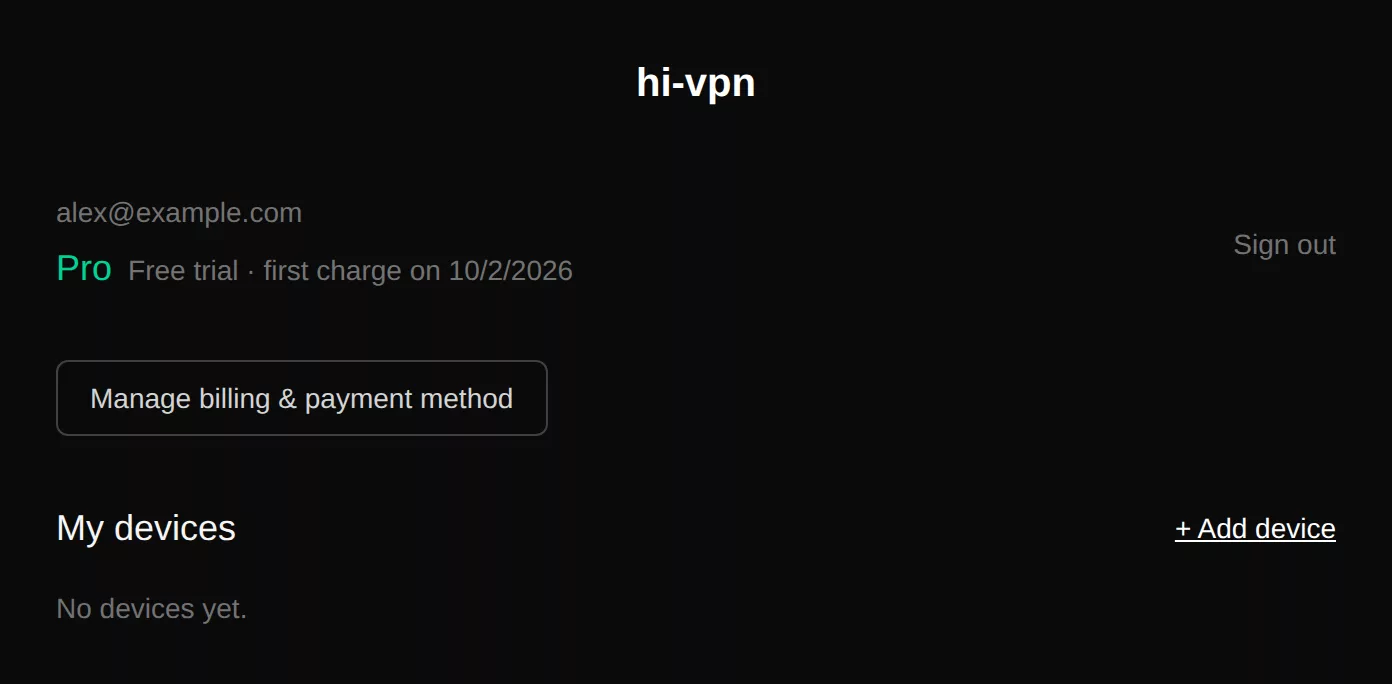
hi-vpn.com/account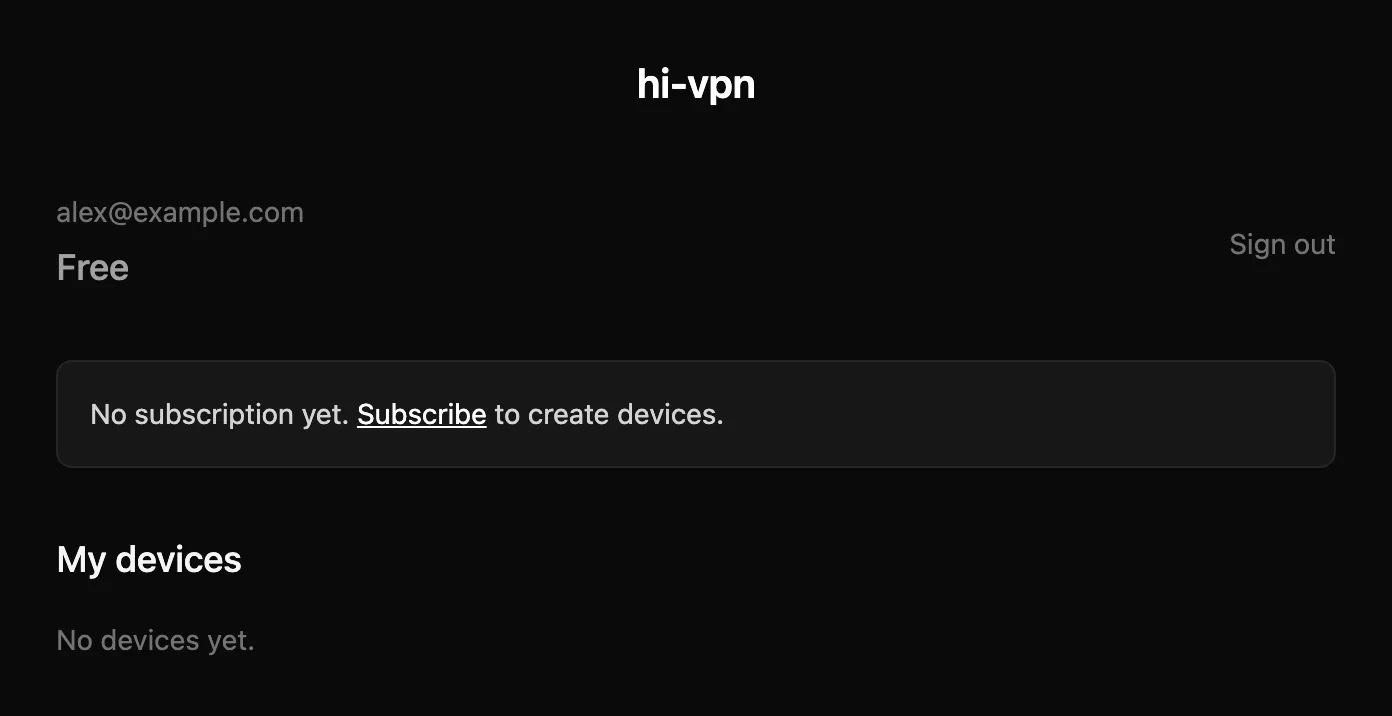
If the page still hasn’t changed after a minute, reload it. If it still says Free, email support@hi-vpn.com — the payment is on record either way.
Billing and payment methods
On your account page, select Manage billing & payment method. It opens Stripe’s billing portal, where you can:
- change the card you pay with,
- see and download past invoices,
- switch between monthly and annual (see below),
- cancel your subscription (see Cancel, renewal and refunds).
hi-vpn.com/account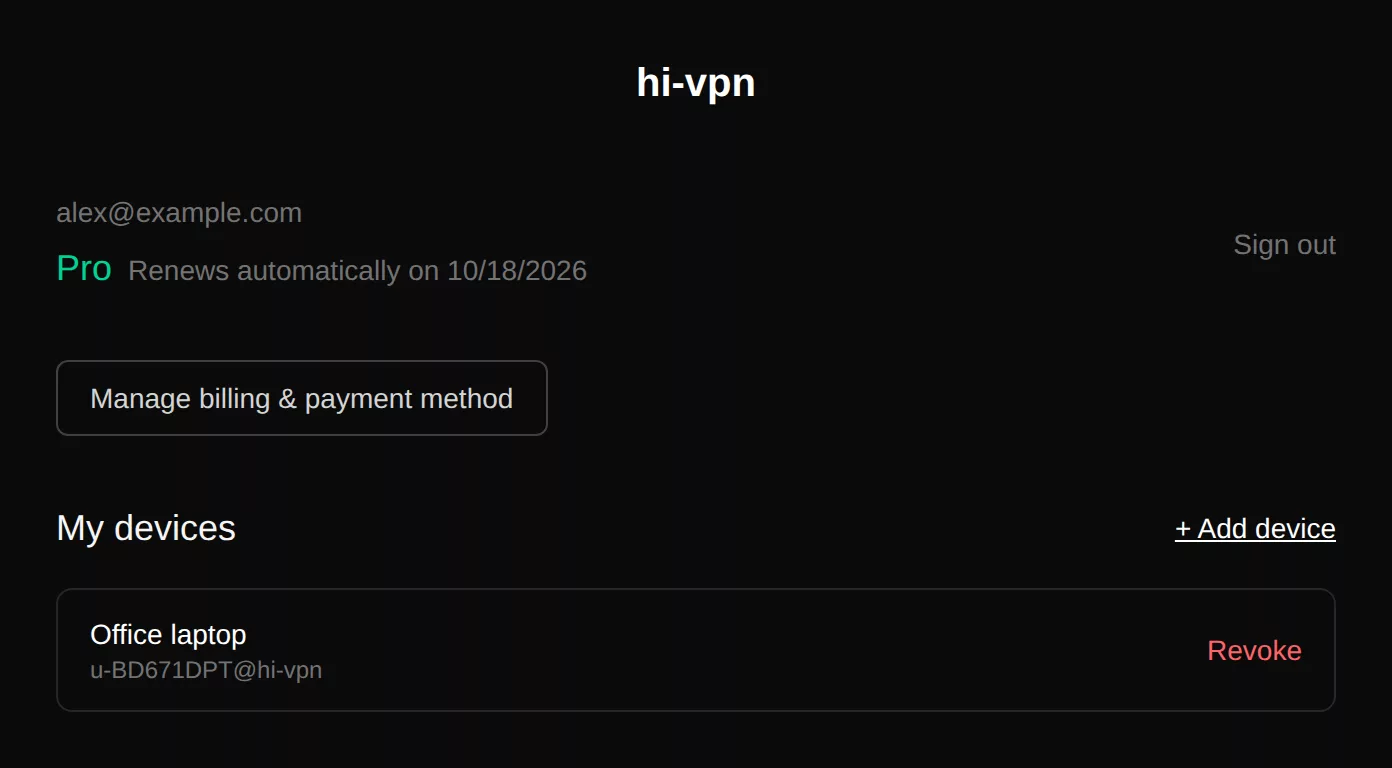
Switch between monthly and annual
Switch to annual — 2 months free is a link next to Manage billing & payment method. It opens the same Stripe billing page, where you pick the annual plan. You’ll see it only if all of these are true:
- you’re on the monthly plan,
- you’re in the free trial or your subscription is active (not Payment failed),
- you haven’t cancelled (no Canceled · access ends on date).
When you switch:
- Monthly to annual takes effect right away. The part of the month you’ve already paid for and haven’t used is credited toward the annual charge in proportion. Stripe’s page shows the amount before you confirm — check it there.
- During the free trial, switching keeps your trial. Nothing is charged early.
- Annual to monthly is scheduled for the end of the year you’ve paid for, not right away. There is no Switch to annual link on an annual plan: go to Manage billing & payment method and choose the monthly plan.
- While a switch is scheduled, Stripe’s billing page won’t let you cancel or change the subscription again until the switch takes effect.
hi-vpn.com/account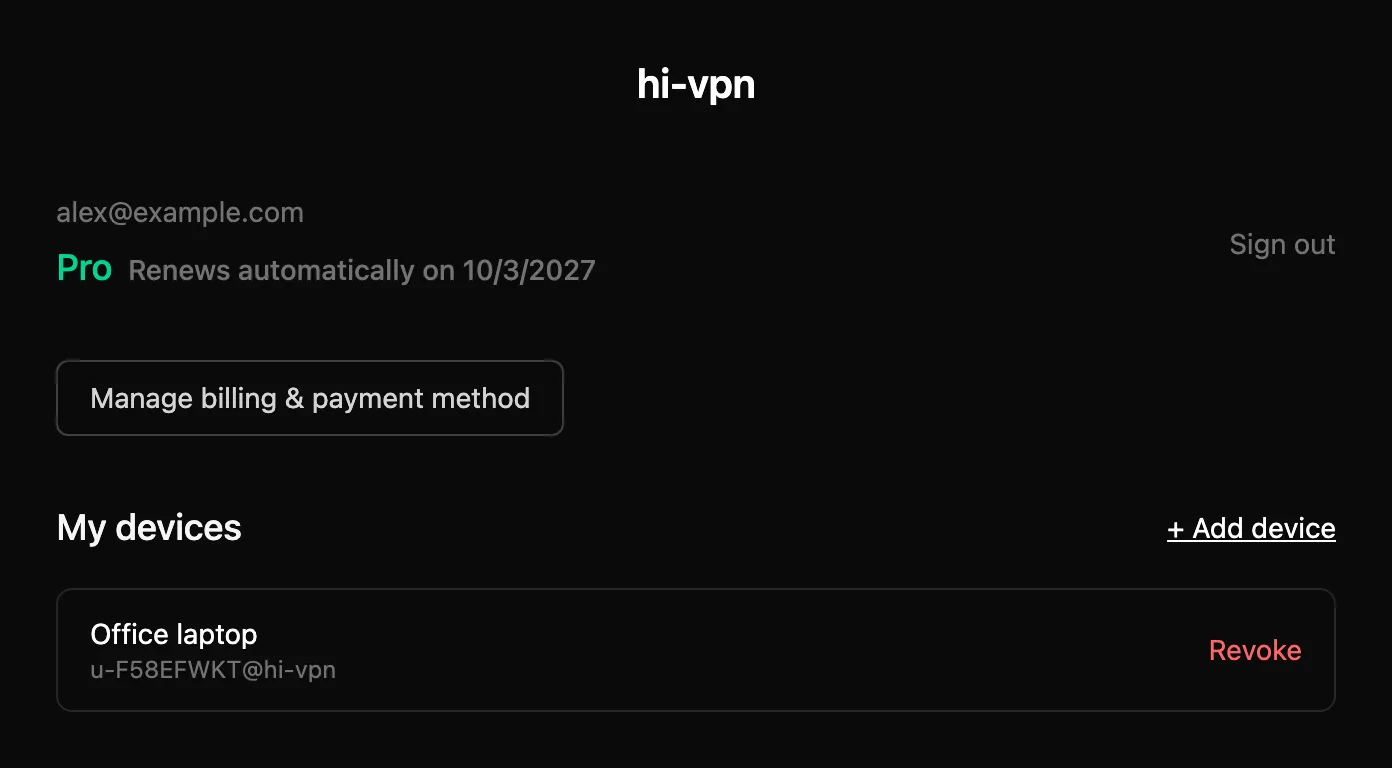
If a payment fails
If a payment fails, Stripe tries the card again over the following days. You stay Pro while it retries, so your devices keep working. Your account page shows Payment failed — update your payment method to keep your service.
hi-vpn.com/account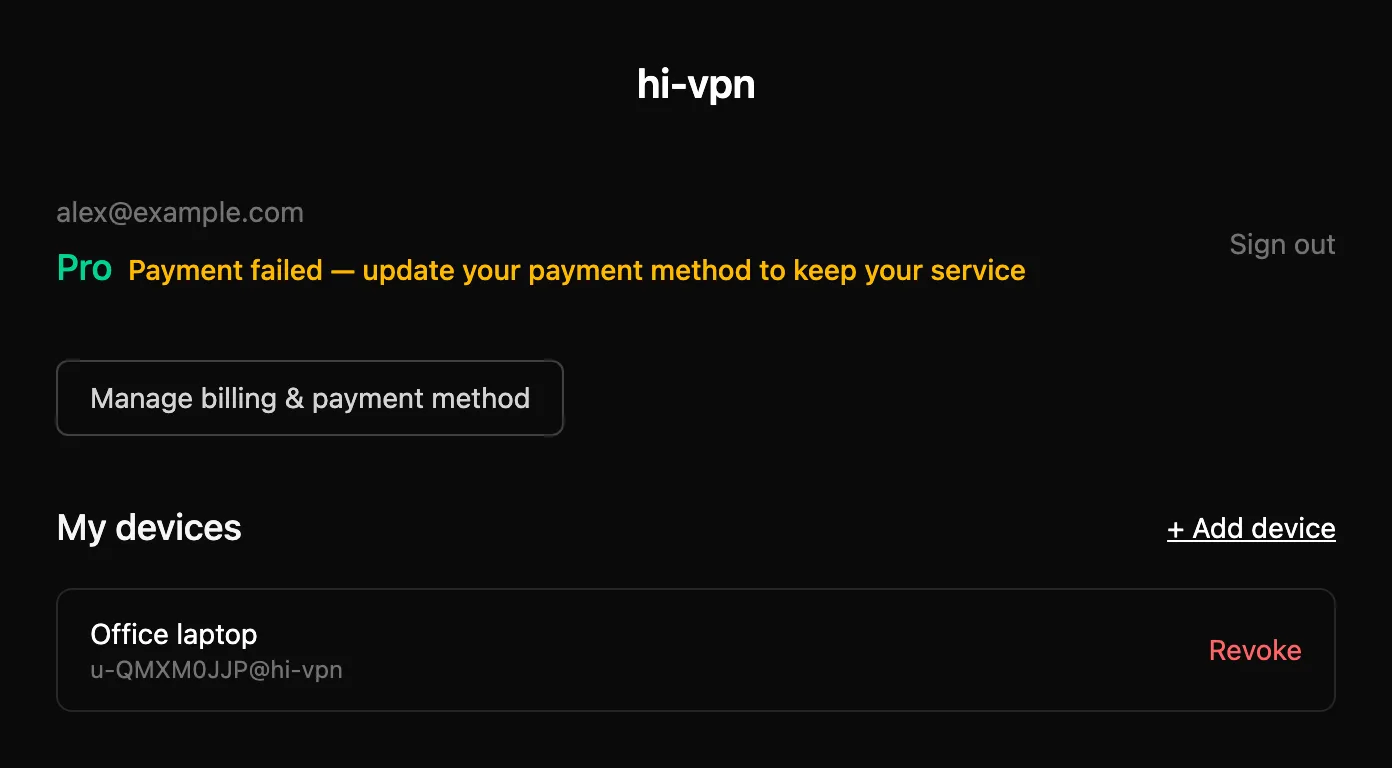
Select Manage billing & payment method and update your card there. If every retry fails, the subscription ends and your devices stop working — see When it ends.
Still stuck?
Email us and include your device and client — never your password. support@hi-vpn.com