Cancel, renewals & refunds
How to cancel, what happens when your access ends, and when refunds apply.
Keep subscribing
Cancel during the trial
Cancel after paying
Refund approved
The timeline shows a monthly subscription. An annual subscription works the same way, counted in years: the first charge is when the trial ends, it renews once a year on the same day, and after you cancel you keep access to the end of the year you’ve paid for.
Cancel
Open Manage billing & payment method on your account page and cancel in the billing portal.
- During the trial: you’re never charged. Devices keep working until the trial would have ended.
- After paying, monthly: no more charges. Devices keep working until the end of the month you’ve paid for.
- After paying, annual: no more charges. Devices keep working until the end of the year you’ve paid for.
- Your account page shows Canceled · access ends on date.
- Changed your mind? Before that date, you can undo the cancellation in the billing portal.
- Scheduled a switch from annual to monthly? Until it takes effect, the billing portal won’t let you cancel — see Switch between monthly and annual.
hi-vpn.com/account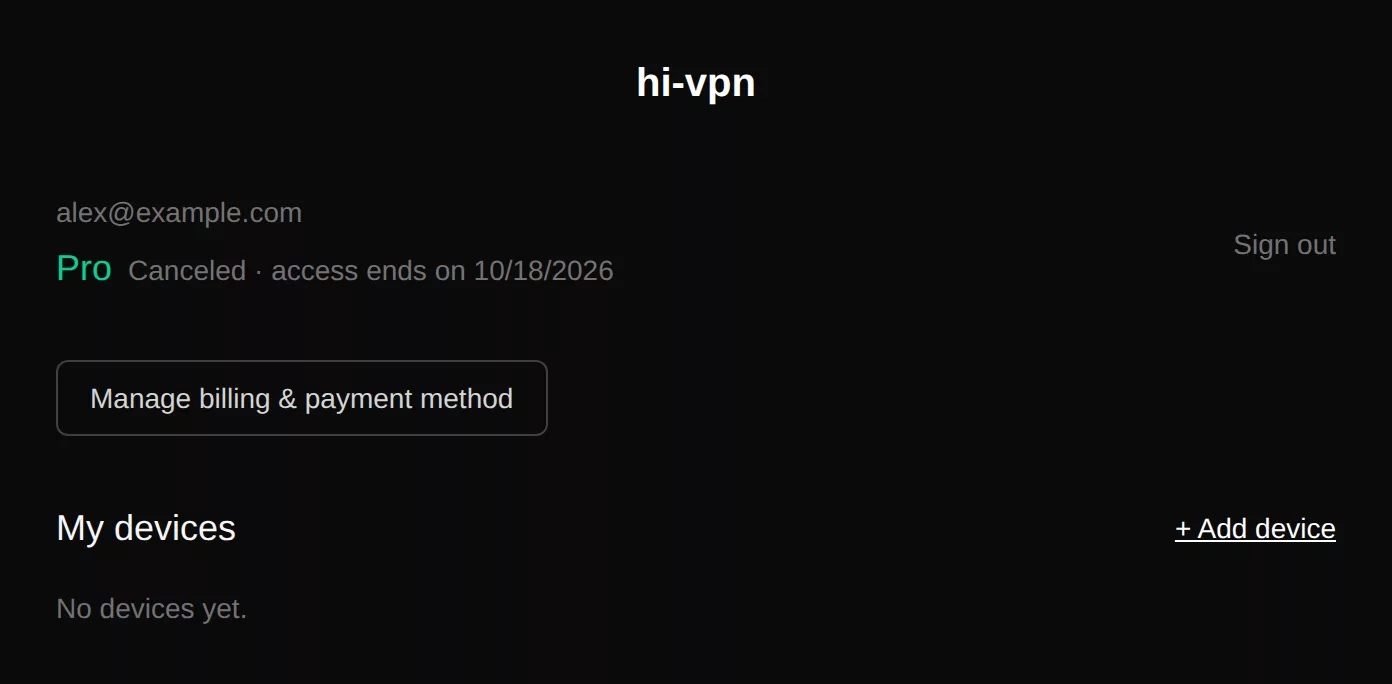
When it ends
On the end date your account goes back to Free, and within about 15 minutes all your devices are removed and disconnected. Your account page then says Your subscription has ended. Subscribe again.
hi-vpn.com/account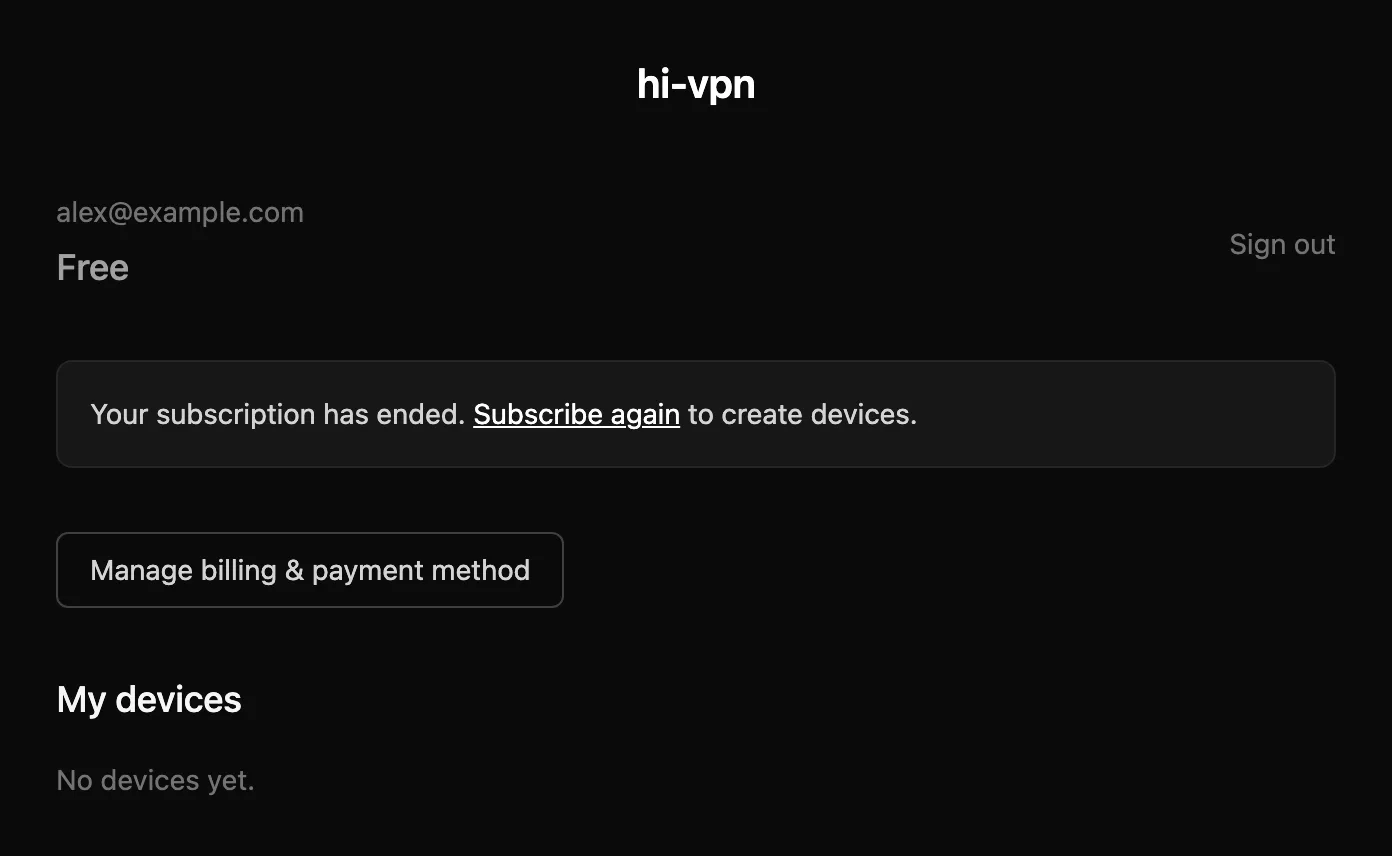
To come back, start a subscription again from Pricing and add your devices again — old device passwords don’t come back. There is no free trial the second time: the 7-day trial is for your first subscription only, so you’re charged when you subscribe again.
Refunds
As the Terms of Service say, fees already charged after the trial are non-refundable, on the monthly and the annual plan alike — cancel during the trial and you pay nothing. If something went wrong (for example you were charged twice), email support@hi-vpn.com from your account email.
Still stuck?
Email us and include your device and client — never your password. support@hi-vpn.com